
Adding Related Items
On this page:
What are related items?
Related items are a really useful way to offer your customers more choice, by providing them with products which are similar to the ones they view.
Adding related items to a product
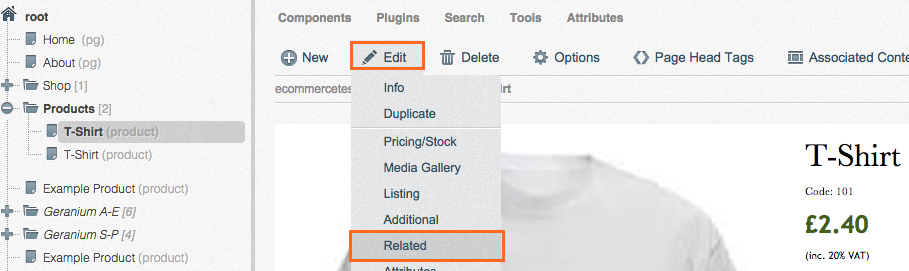
Go to Content > Pages and navigate to the product you wish to add related items to. Click Edit > Related.
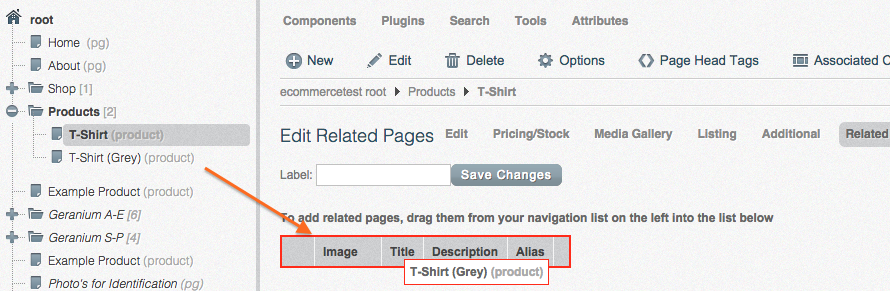
Drag in from the left the product you wish to add as a related item.
That's all you need to do. Just check the front-end of your website and check the related item appears.
Removing related items from a product
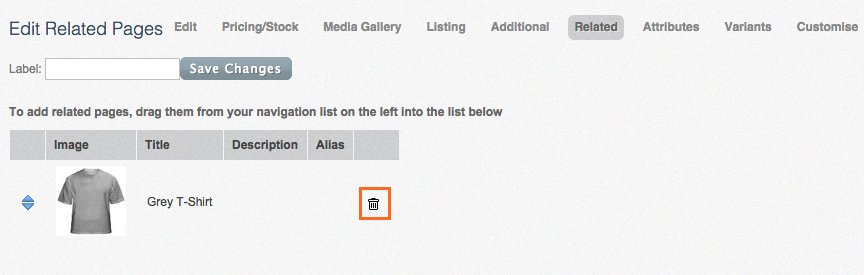
To remove a related item just click the Trash icon.