

Adding Contacts
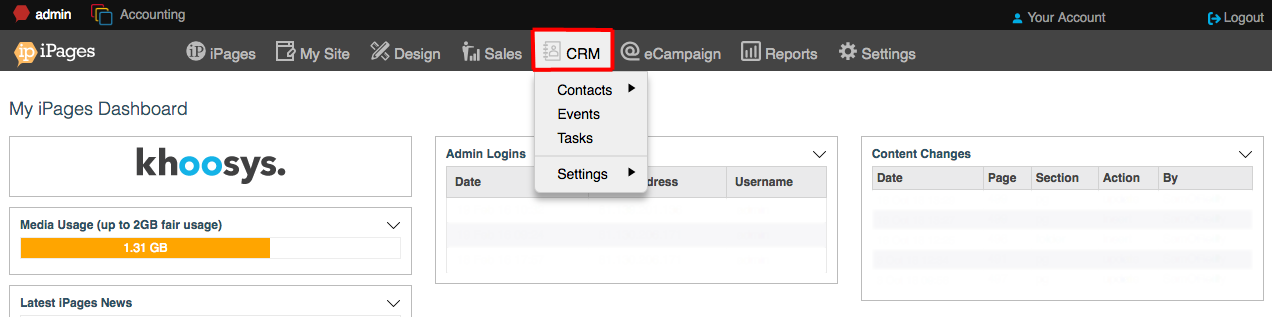
1. To add a new contact to the CRM, first, click CRM in the navigation in the Admin Area of your KhooSeller website.
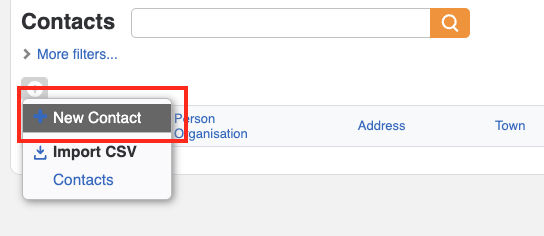
2. Click the New Contact button.
3. Fill in the contact details assigning the contact to any group that you have set up.
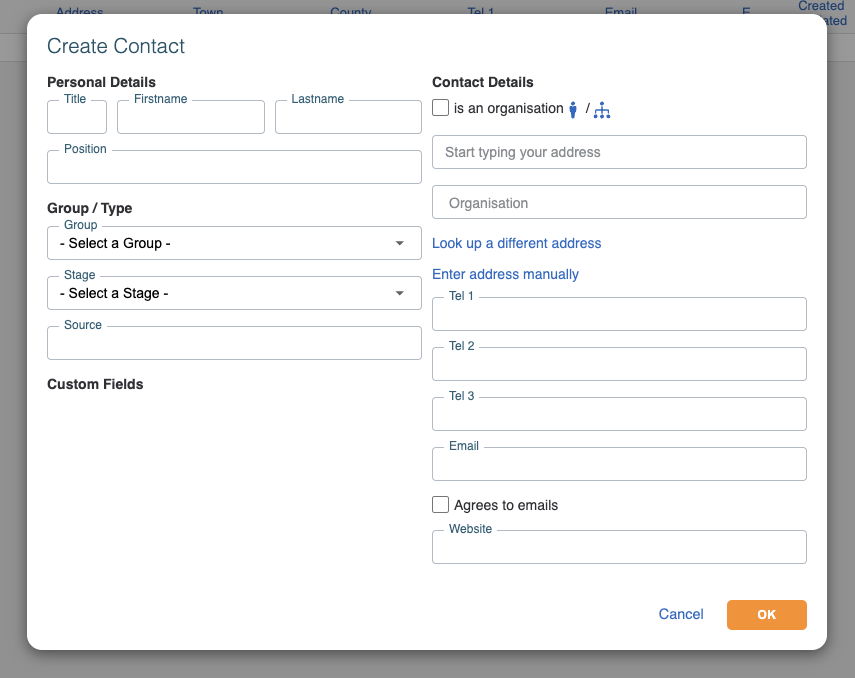
4. Click OK.