
Actions
There are a number of actions that you can undertake for a contact.
1. Click CRM > Contacts and use Search to find the contact.
When the contact is found you will see a unique identifier in the search box. You can ignore this unless you need our support relating to this contact and we will use this identifier to locate your contact.
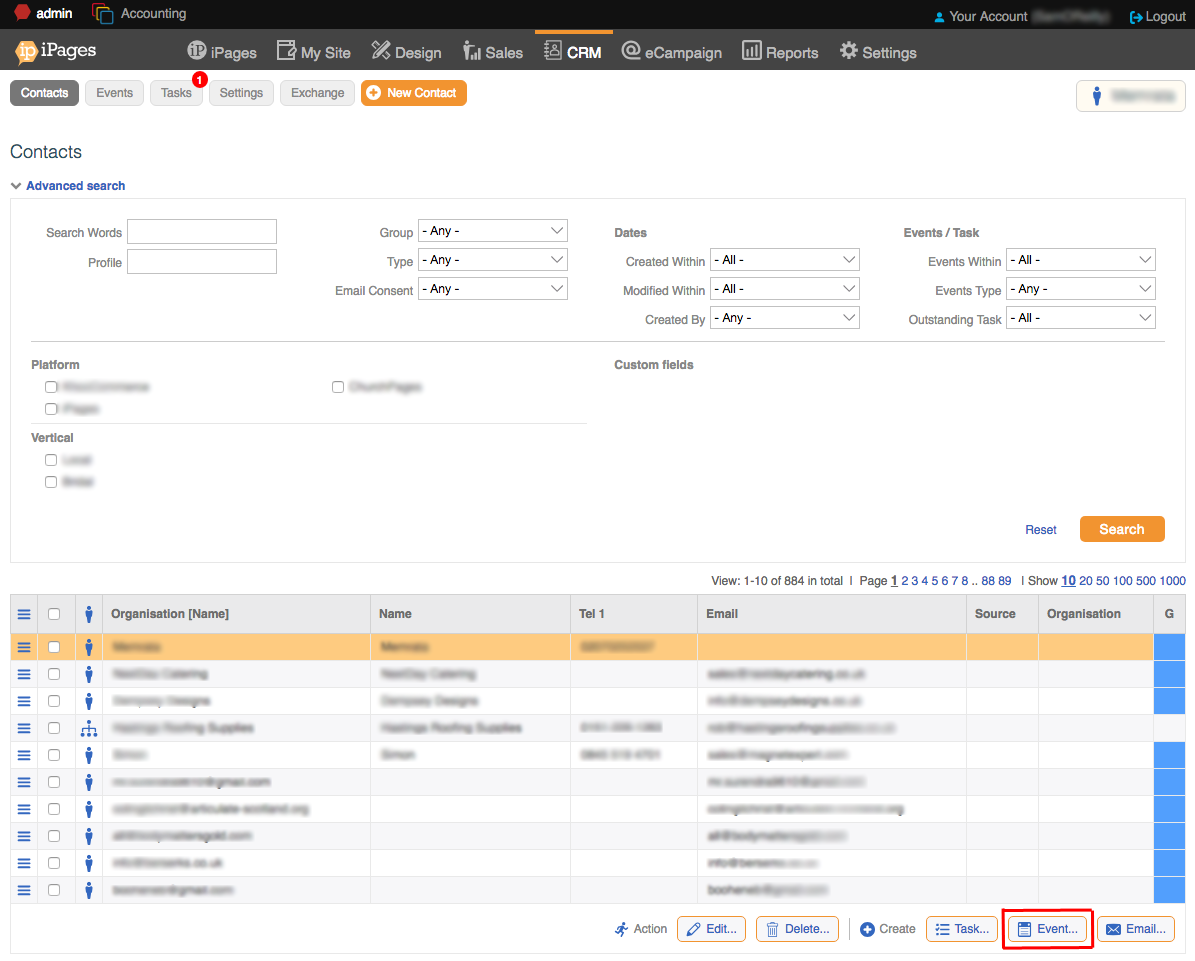
When your contact is clicked you will see a series of actions that you can do.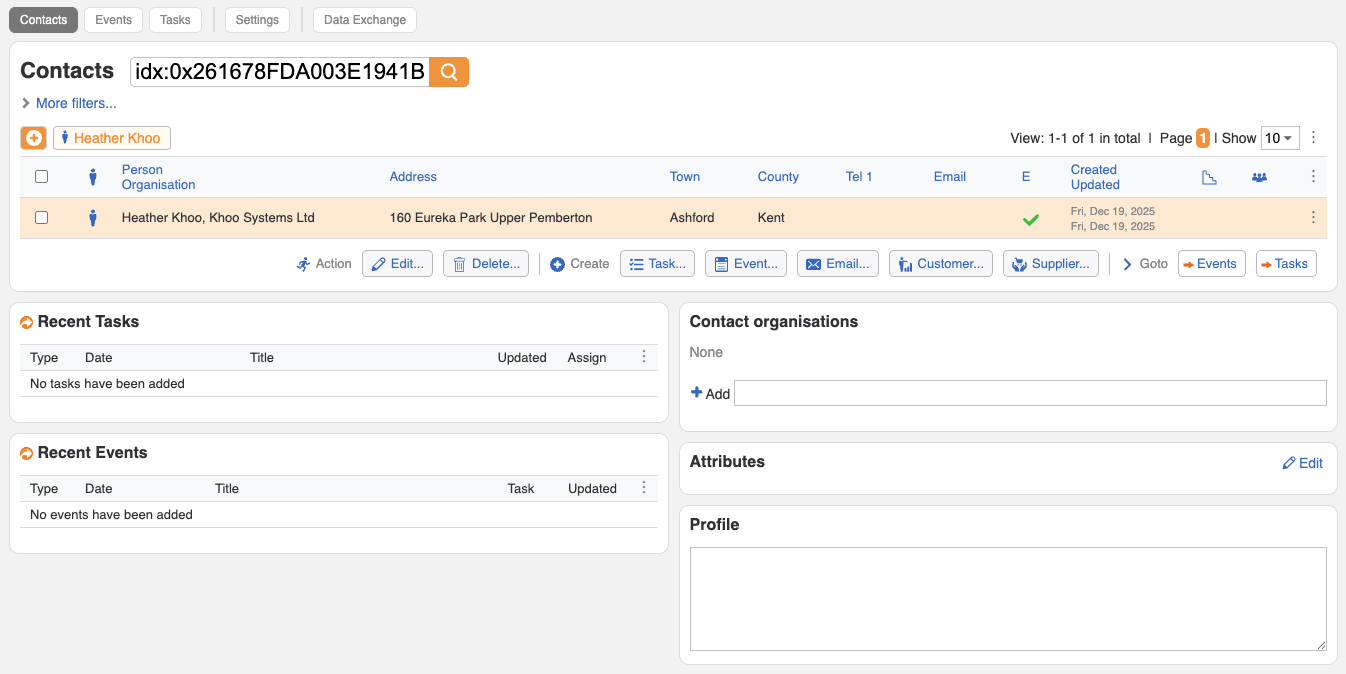
Actions you can take:
- Edit contact
- Delete contact
- Create a task
- Create an event
- Email contact
- Convert to customer (for eCommerce websites)
- Convert to supplier (for eCommerce websites)
2. Click on the contact that you want to add the event.
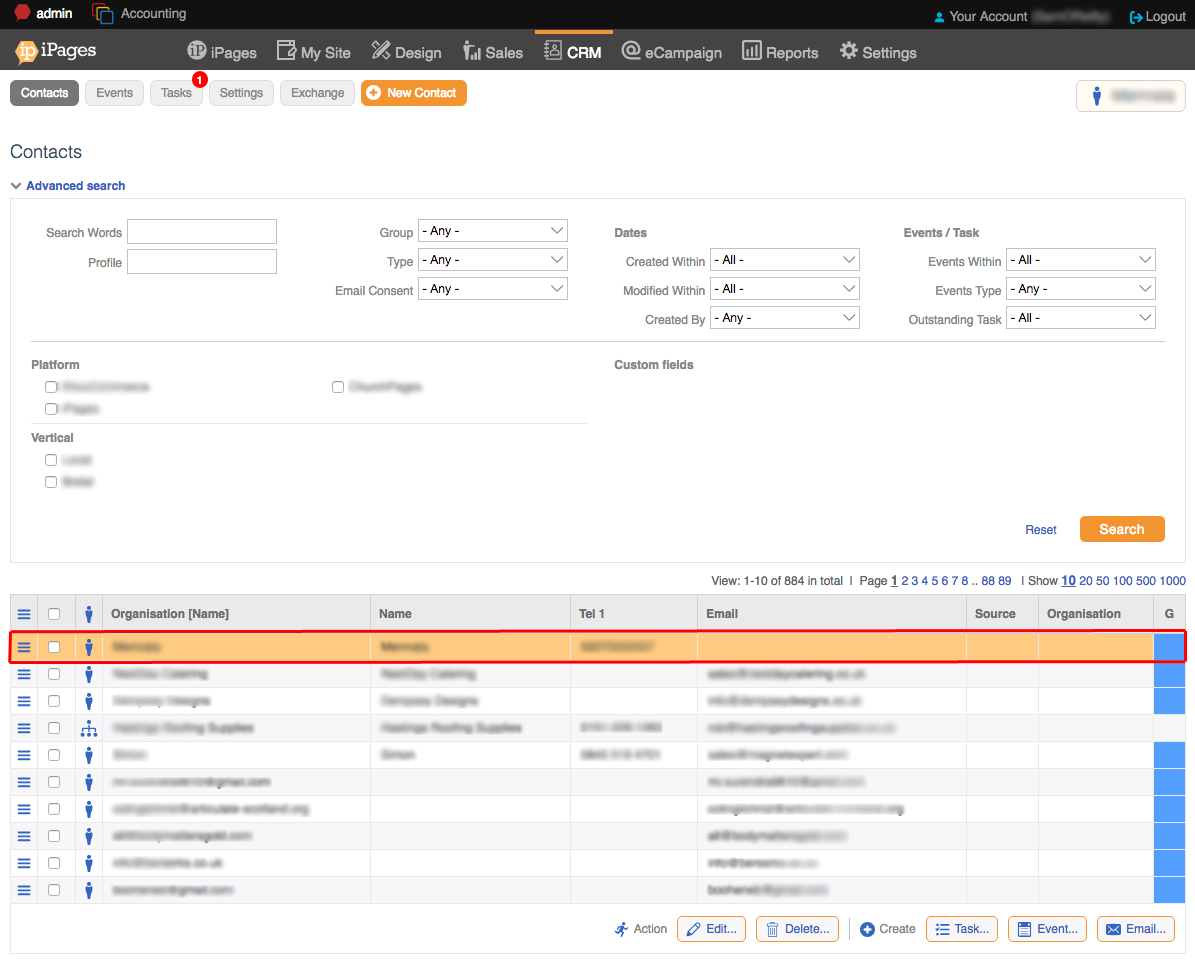
3. Click the Create Event button.
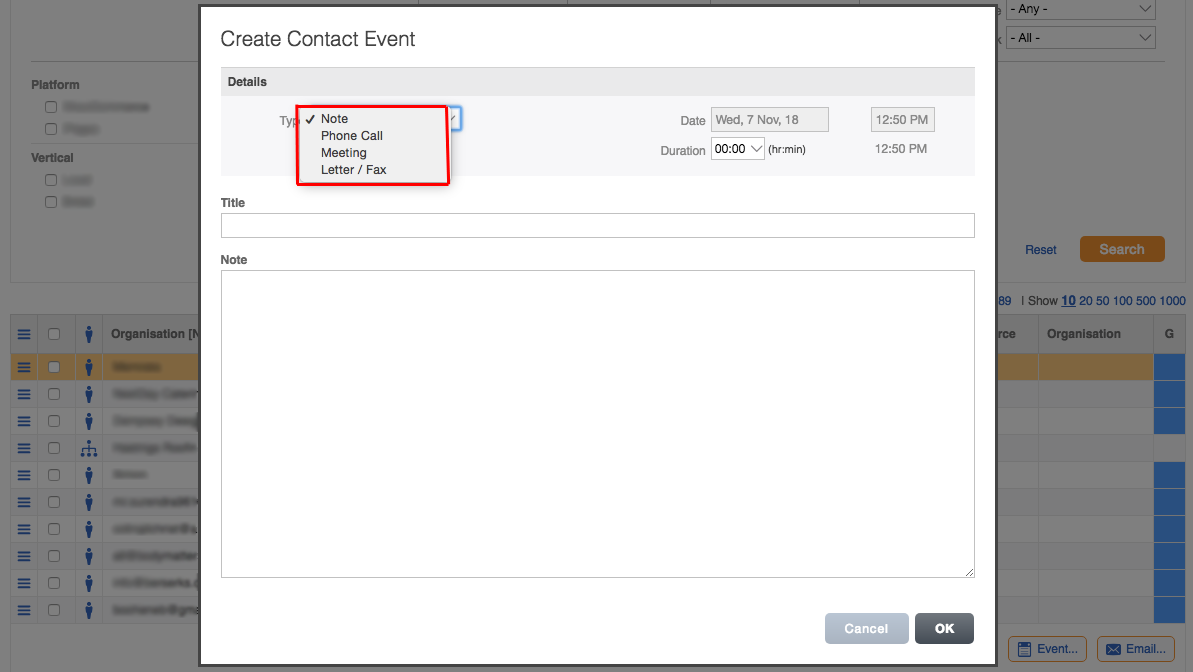
4. Select Event Type from the drop-down.
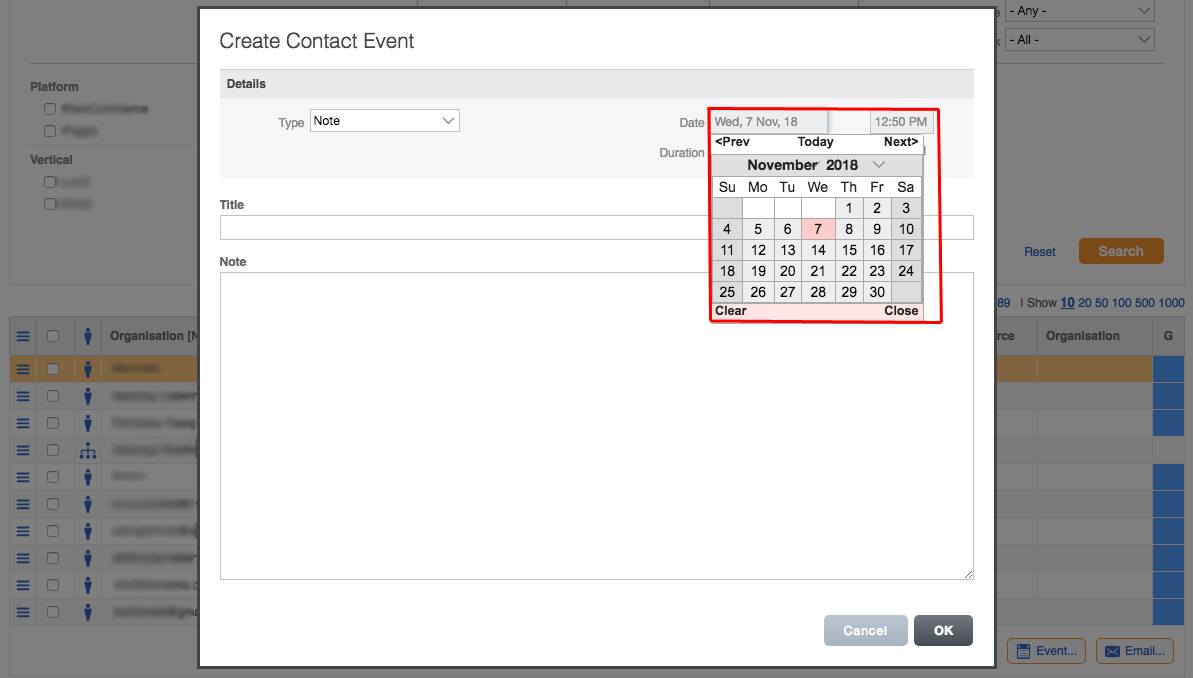
5. Select the Date and Time.
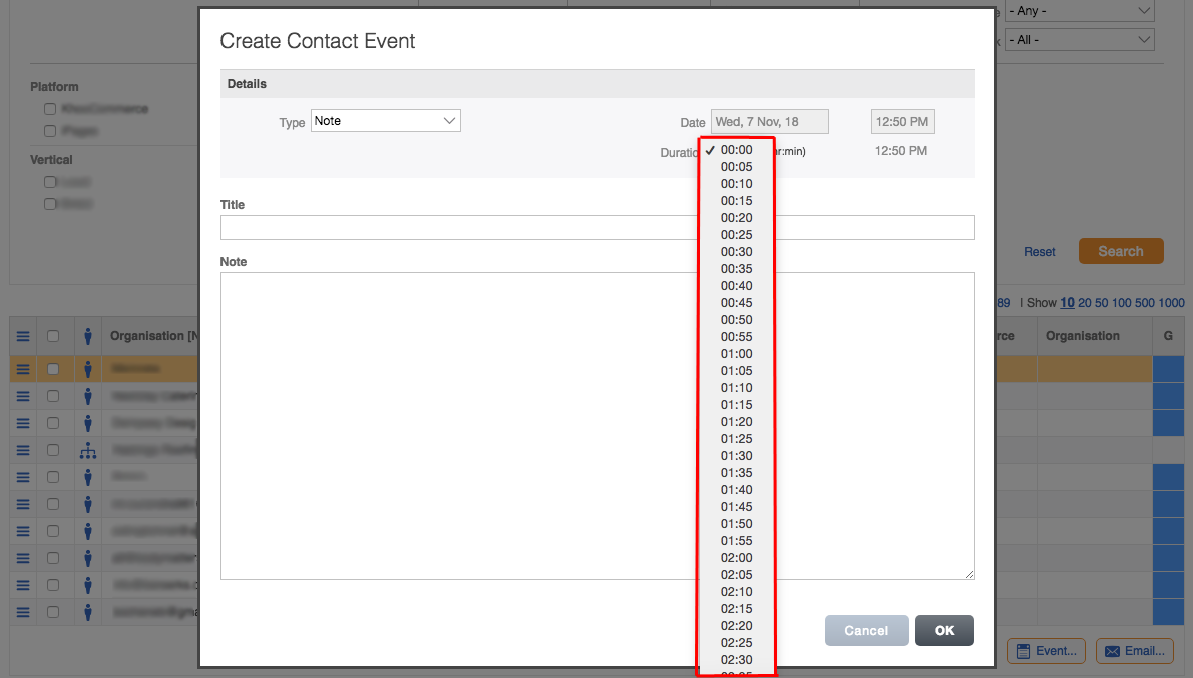
6. You can also select the duration using the drop-down.
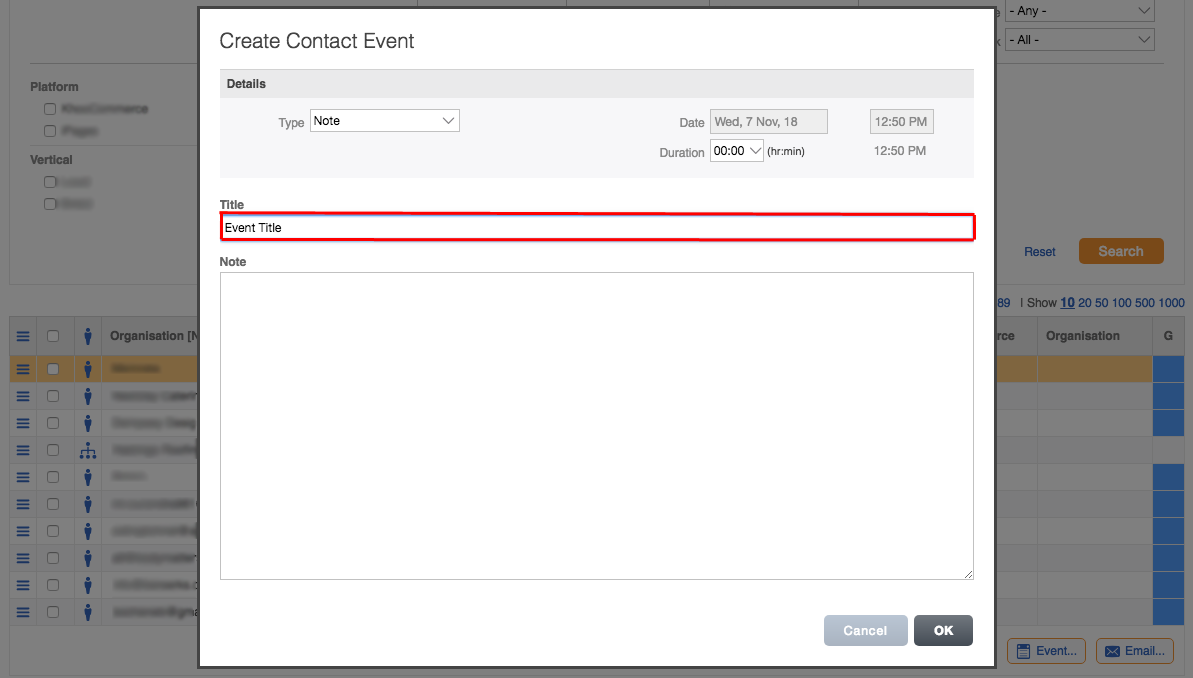
7. Set a Title for the event.
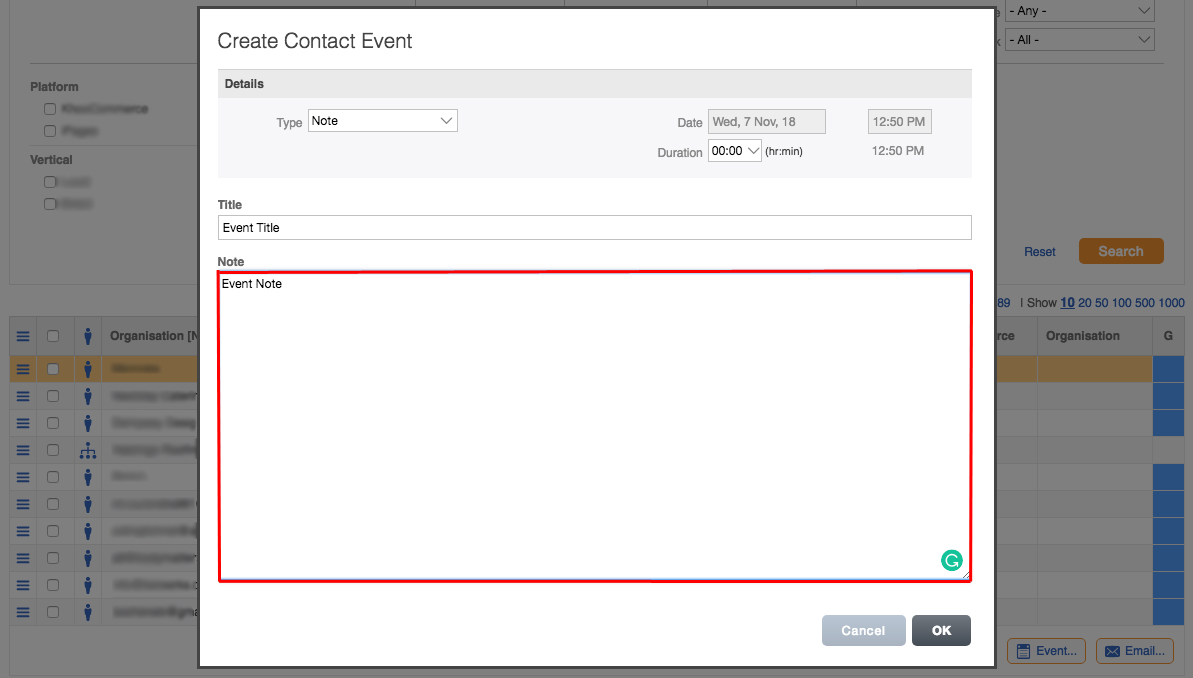
8. Write event notes.
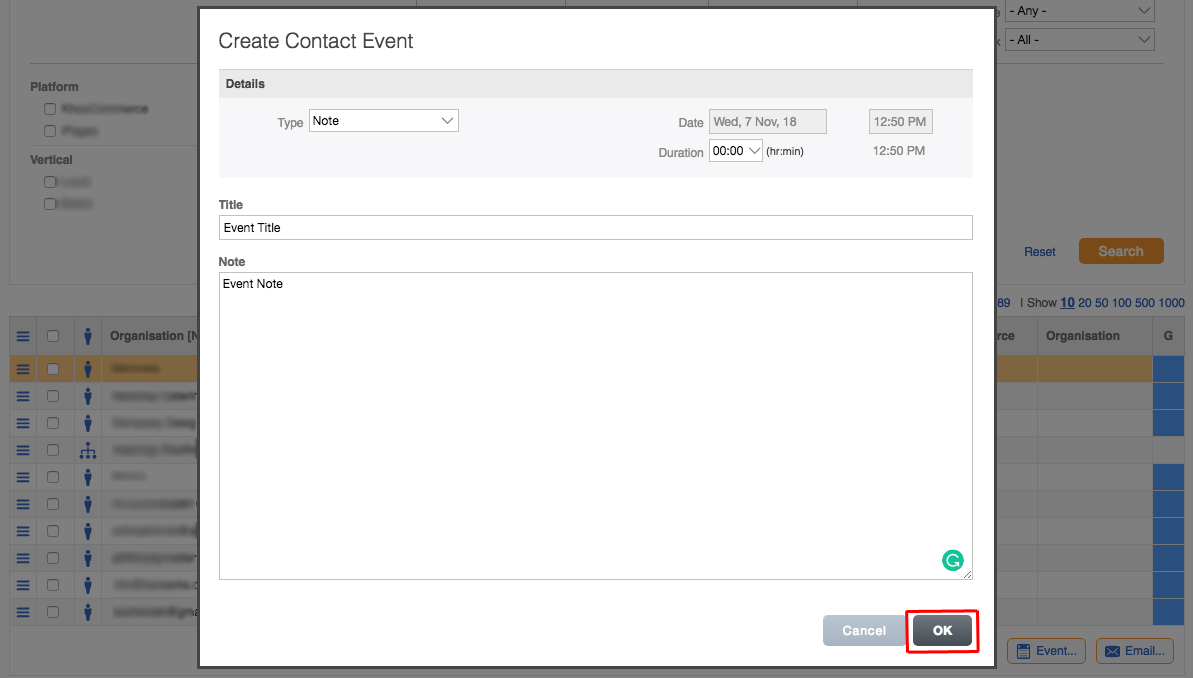
9. Click OK.
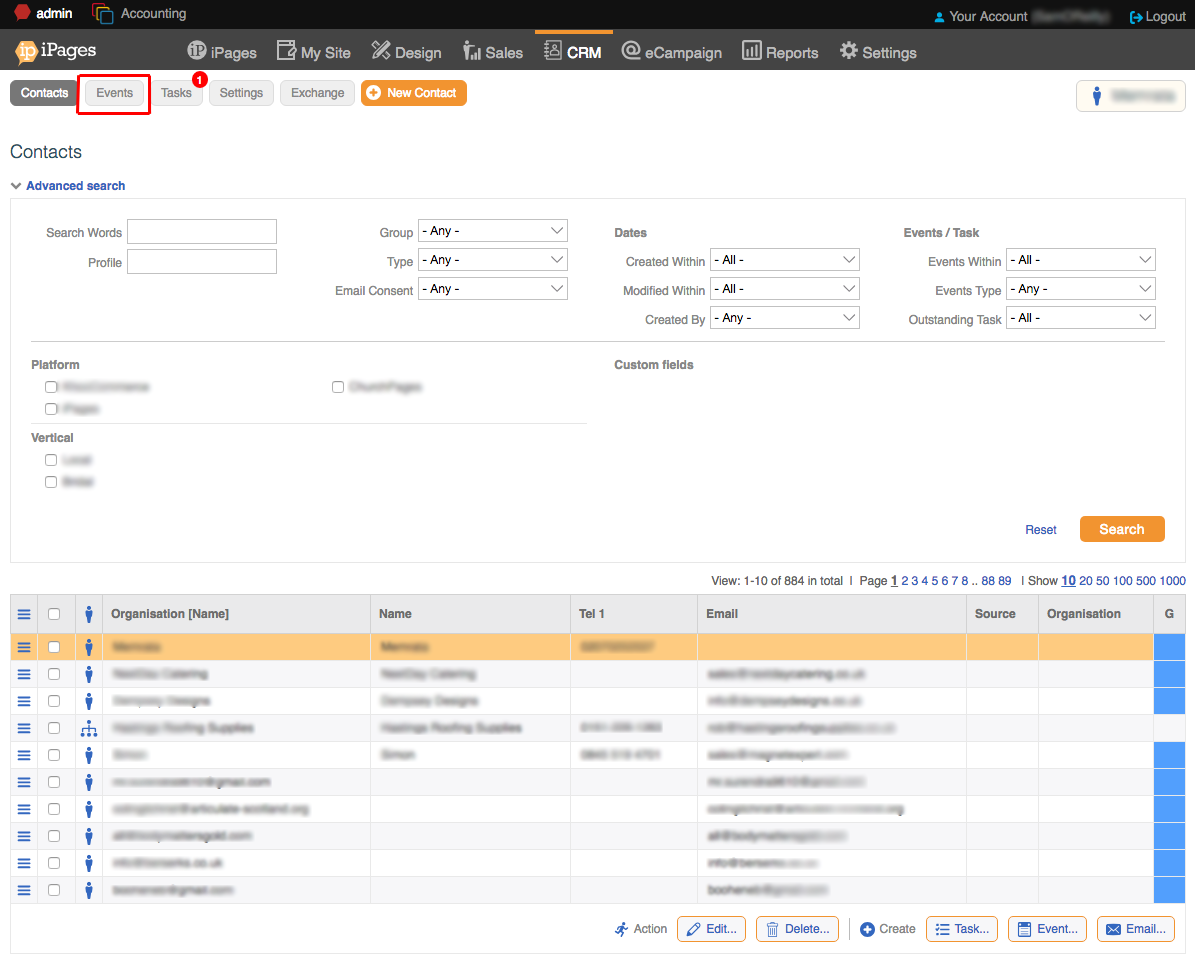
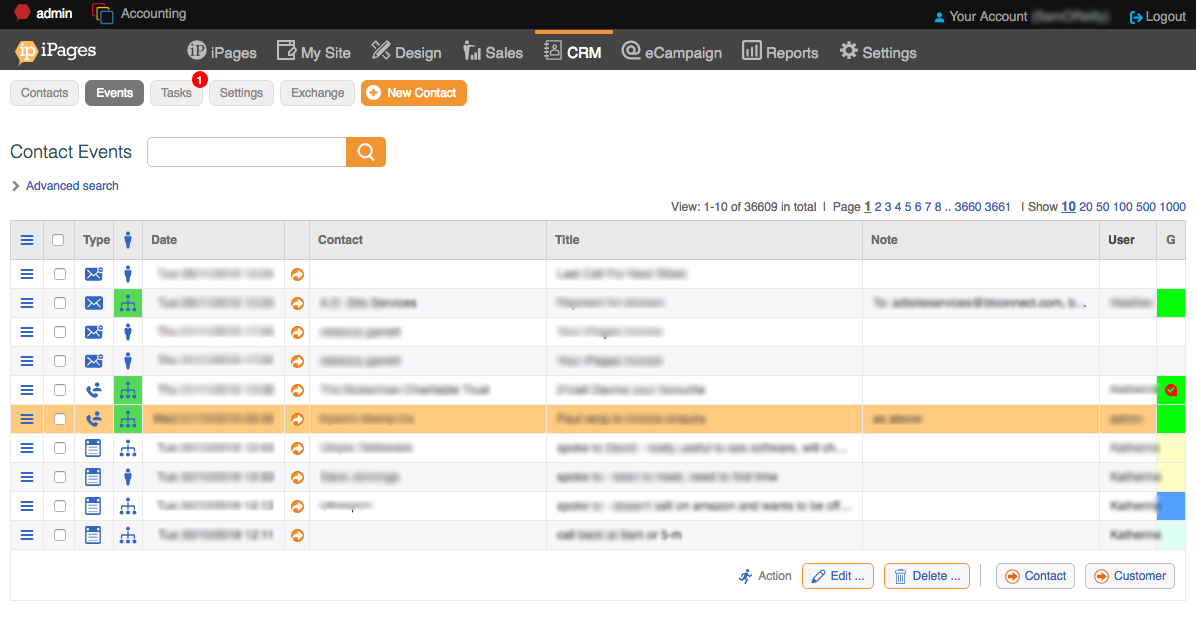
10. You can view your events by clicking the Events button on the horizontal navigation.